Product support
For Easy Fit fitting and comfort, head to the Confidence Hub. Find app setup, charging and order help below.
 Confidence HubFitting video, comfort tips and help.
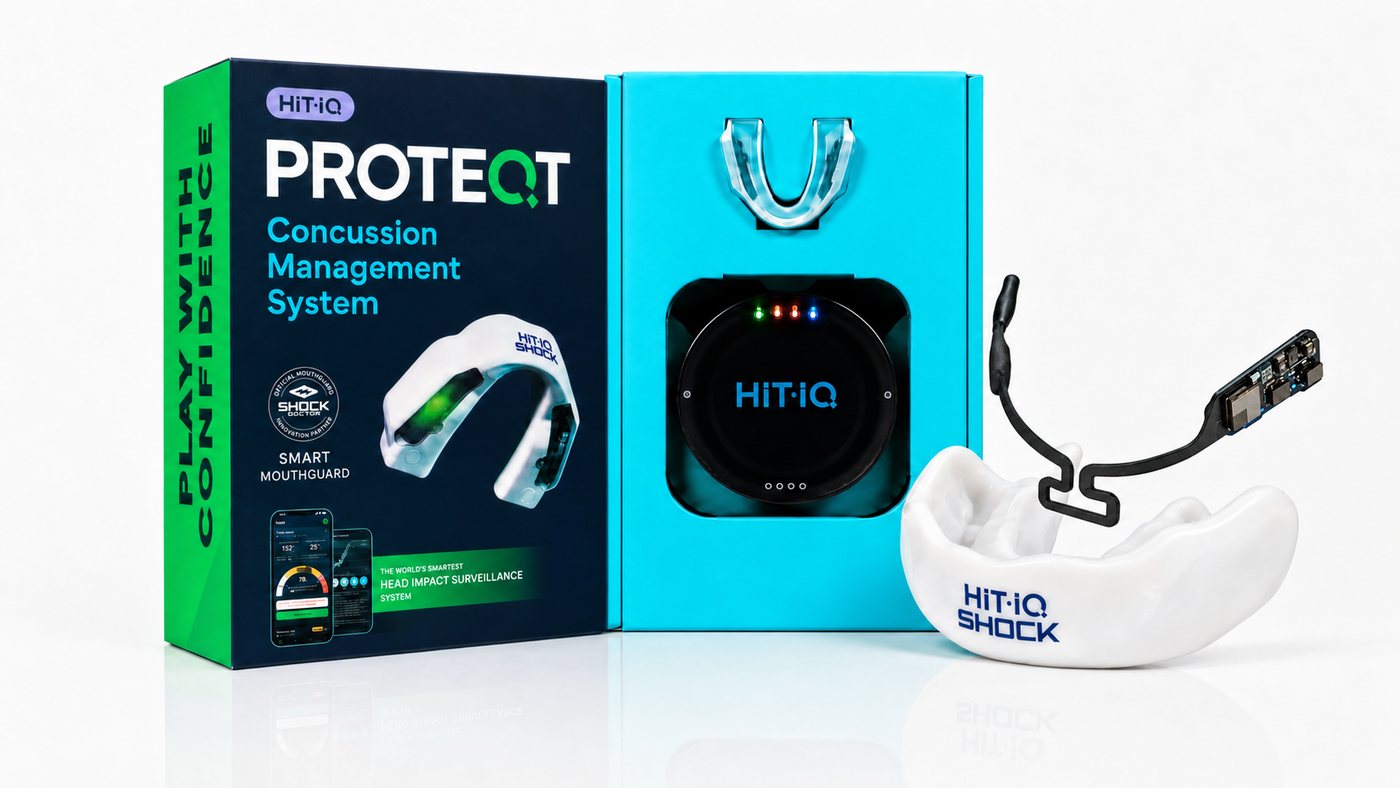
Ready for your first session
One simple routine for games and training. Initial fitting is separate from your regular game-day routine.
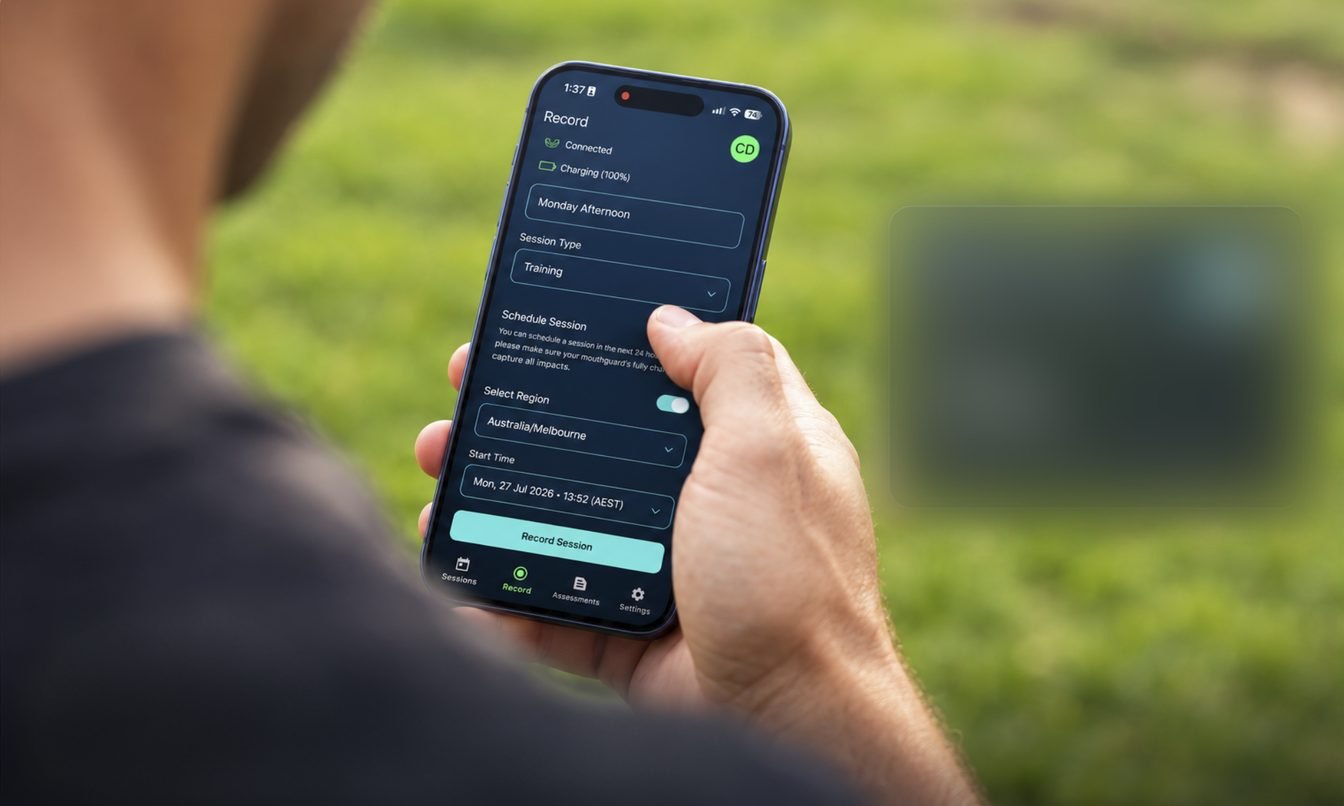
Check your mouthguard’s charge, connect it to the app and schedule your session, up to 24 hours before play. A full charge provides up to 4 hours of recording; top up when needed.
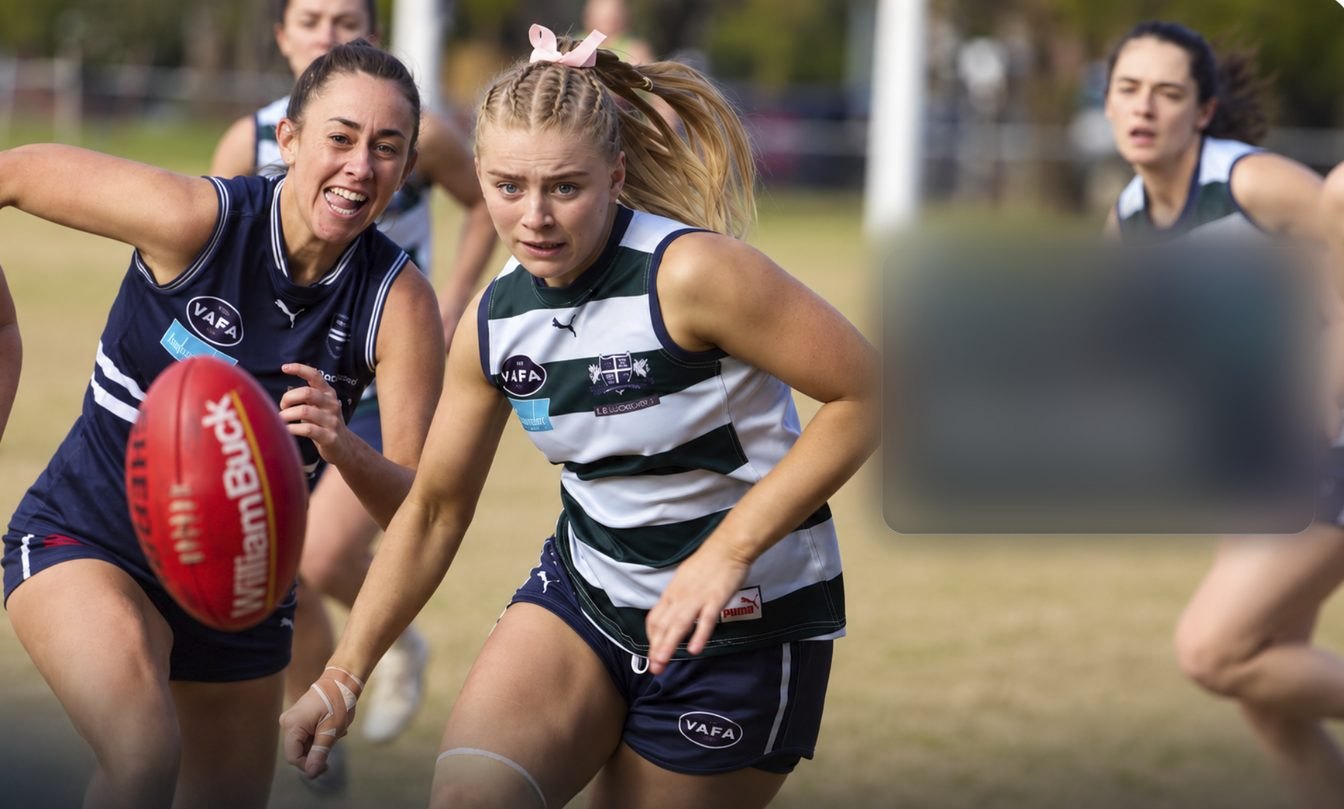
Wear your mouthguard during your scheduled session. Recording starts automatically at the scheduled time.
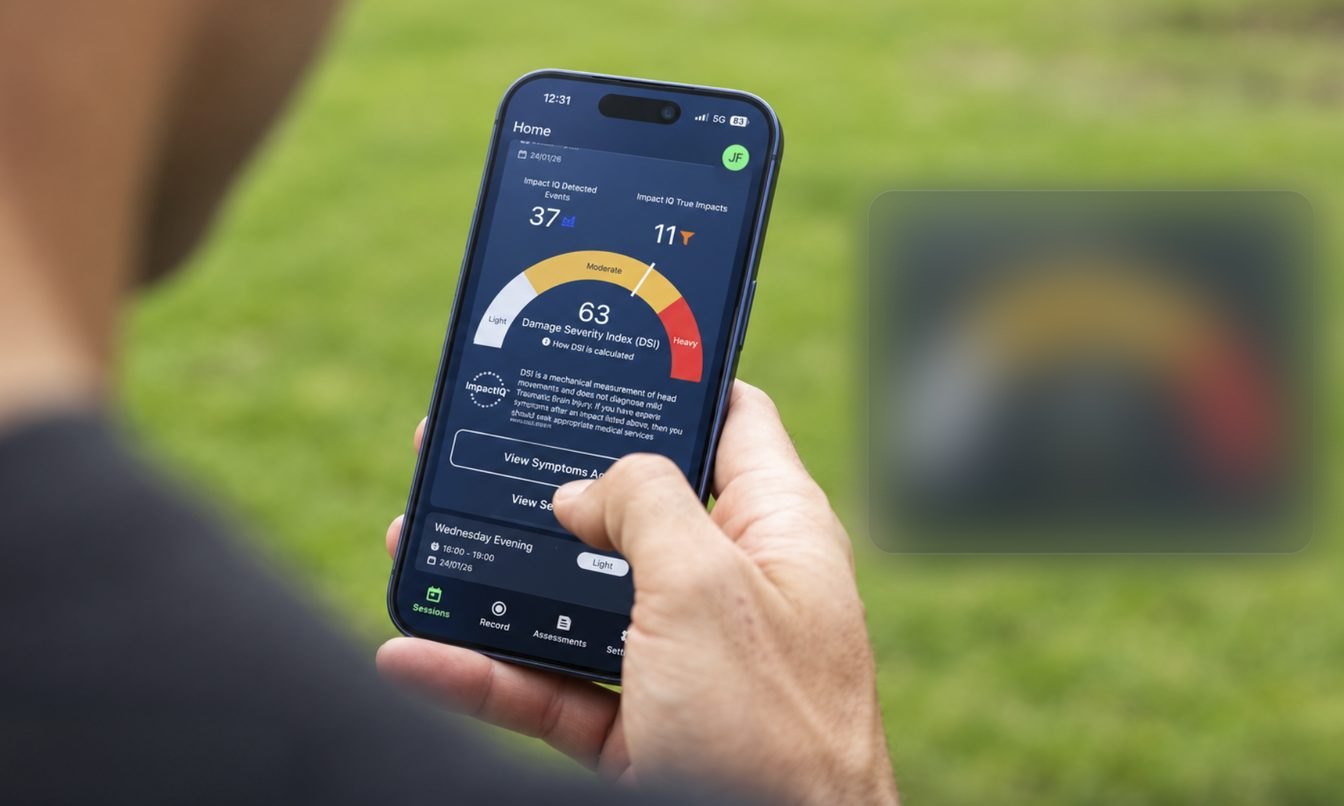
Sync with the app after play. Review recorded impacts and any flagged for follow-up.
The practical details
Phones, batteries, sessions, delivery and returns. Jump to a topic or read through.
HITIQ’s published guidance lists iPhone XR/XS or newer with iOS 16+, and supported Android phones with Android 10+. Check the current app-store requirements before buying. Bluetooth permission is needed to connect and sync.
Download the PROTEQT app from the Apple App Store or Google Play. For an uncertain model, send HITIQ your phone model and operating system version before ordering.
A full mouthguard charge gives you up to 4 hours of recording. Depending on session length, that can cover more than one game or training session. The charged case provides up to 4 full mouthguard recharges, so you don’t need to plug the case in after every session. Check your mouthguard’s battery in the app before play and top up when needed.
Place your clean, completely dry mouthguard in its charging case. It takes about 90 minutes from empty to full.
A fully charged case provides up to 4 full mouthguard recharges. Recharging the case takes up to 8 hours with the supplied adapter, or up to 24 hours with low-powered adapters.
Look at the third LED from left to right for the case battery level:
The third LED shows the case battery. Check the mouthguard battery separately in the app before play.
Automatic recording needs a scheduled session. Do not assume an unscheduled game has been recorded. Check the app and contact HITIQ with the session time if you need help after missing the setup step. Ask for session help.
No. Once your session is scheduled, the mouthguard records without your phone nearby. Keep it near your phone for connecting and scheduling, then sync with the app after play to review your results.
Free express delivery is included Australia-wide. Easy Fit delivery timing depends on the dispatch date and your destination. You will receive tracking after dispatch.
Custom Fit arrives within two weeks of dental scan approval. Dental scan fees are separate. Ask about delivery to your postcode.
HITIQ’s published limited warranty covers new mouthguards and charging cases against manufacturing defects for one year from purchase, subject to its conditions. Normal wear and accidental damage are excluded. Australian Consumer Law rights also apply.
Contact HITIQ support for return authorisation before sending a product back. Include your proof of purchase and a description of the issue. For a fitting issue or cancellation request, contact the team before making further changes to your mouthguard. Read the warranty and claim process(opens in a new tab).
Both Easy Fit and Custom Fit include your smart mouthguard, charging case and cables, plus full PROTEQT app access with no subscription. The dental scan fee for Custom Fit is additional.
One account supports up to six player profiles; each player needs their own mouthguard.
Check that the mouthguard is charged and switched on, keep it near your phone, and allow Bluetooth access for PROTEQT. Use a stable internet connection when syncing. If it still won’t connect, email HITIQ with your phone model and the error shown.
Yes. The app provides a guided symptom check and access to care options, including the Concussion Hotline, telehealth and help finding a GP. Fees apply to Concussion Hotline and telehealth consultations, separately from your included app access. You can also see your own doctor and share your session and symptom information.
Rinse with cool or lukewarm water and mild soap after use. Rinse thoroughly and let it dry completely before placing it in the charging case. Keep the case dry and avoid hot cars, direct sunlight and chewing the mouthguard.
Check the fit and condition regularly. Replace it if it cracks, splits, shows material damage or no longer fits properly. Children’s growth and dental changes can affect fit. Contact HITIQ if you are unsure, and do not try to repair the electronics yourself.
Still need help?
Tell HITIQ which mouthguard you have and what is happening. Include your order number if you have one.
For Easy Fit fitting and remoulding tips, visit the Easy Fit Confidence Hub.
Email HITIQ support
PROTEQT does not diagnose or rule out concussion. If concussion is suspected, stop play and seek medical assessment. Do not wait for app results.